
TakeABreak Icon
Your health companion for macOS

Smart break reminders Protect your eye health

Based on the Pomodoro principle, TakeABreak reminds you to rest regularly. Relieve neck strain and stay efficient while staying healthy.

Why Choose TakeABreak?

Thoughtfully designed features for a better work-and-rest experience.

Smart Timers

Live countdown in the menu bar keeps you on pace. Customize work (25–60 min) and break durations to fit your routine.

Immersive Breaks

Full-screen break view to truly rest your eyes. Import custom images and GIFs with calming sounds for a peaceful moment.

Strict Mode

Need discipline? Enable strict mode to enforce full-screen breaks. Exit requires your system password or Touch ID.
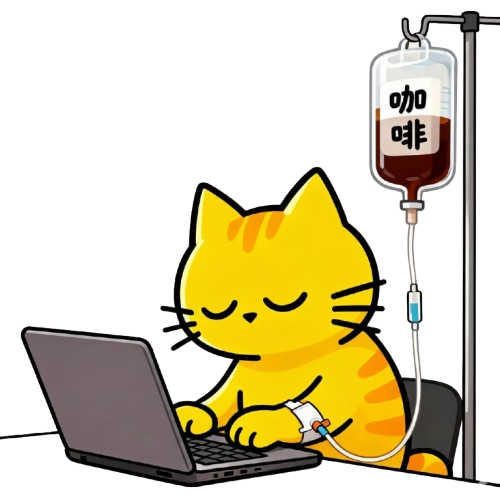
Work Background
Custom work background
Create your own work vibe

Highly Personalizable

  • Customize text for work/break states
  • Light/Dark themes with auto system follow
  • Launch at login, runs quietly
  • Multi-language support: Chinese, English, and more

Simple, transparent pricing

Basic

Free
  • Core break reminders
  • Default break theme
  • Menu bar countdown
Download Free
Recommended

Pro

  • Everything in Basic
  • Custom images/GIF backgrounds
  • Strict mode (password protected)
  • Custom work & break durations
  • Custom text & notifications
Get Pro

Frequently Asked Questions

Quick answers to common questions.

How do I start or pause the timer?
Use the status bar menu to start, pause, or reset. The countdown shows in the menu bar.
Can I change work and break durations?
Yes. Open Preferences to customize work (25–60 minutes) and break lengths to your needs.
What is Strict Mode?
Strict Mode enforces full-screen breaks. Exiting requires your macOS password or Touch ID to help you build healthy habits.
How do I launch at login?
Enable “Launch at login” in Preferences. The app will start automatically when you sign in.
How do I buy or restore Pro?
Open the Paywall in the app to purchase. To restore on a new Mac, click “Restore Purchases”.
Can I use my own images?
Yes! You can import your favorite photos or GIFs to create a personalized break experience.
Does it drain my battery?
No, TakeABreak is designed to be lightweight and energy efficient, running quietly in the background.